Possible scenarios
Mobile apps are especially useful as an extension of a web system or CRM.
- mobile portal for students or staff
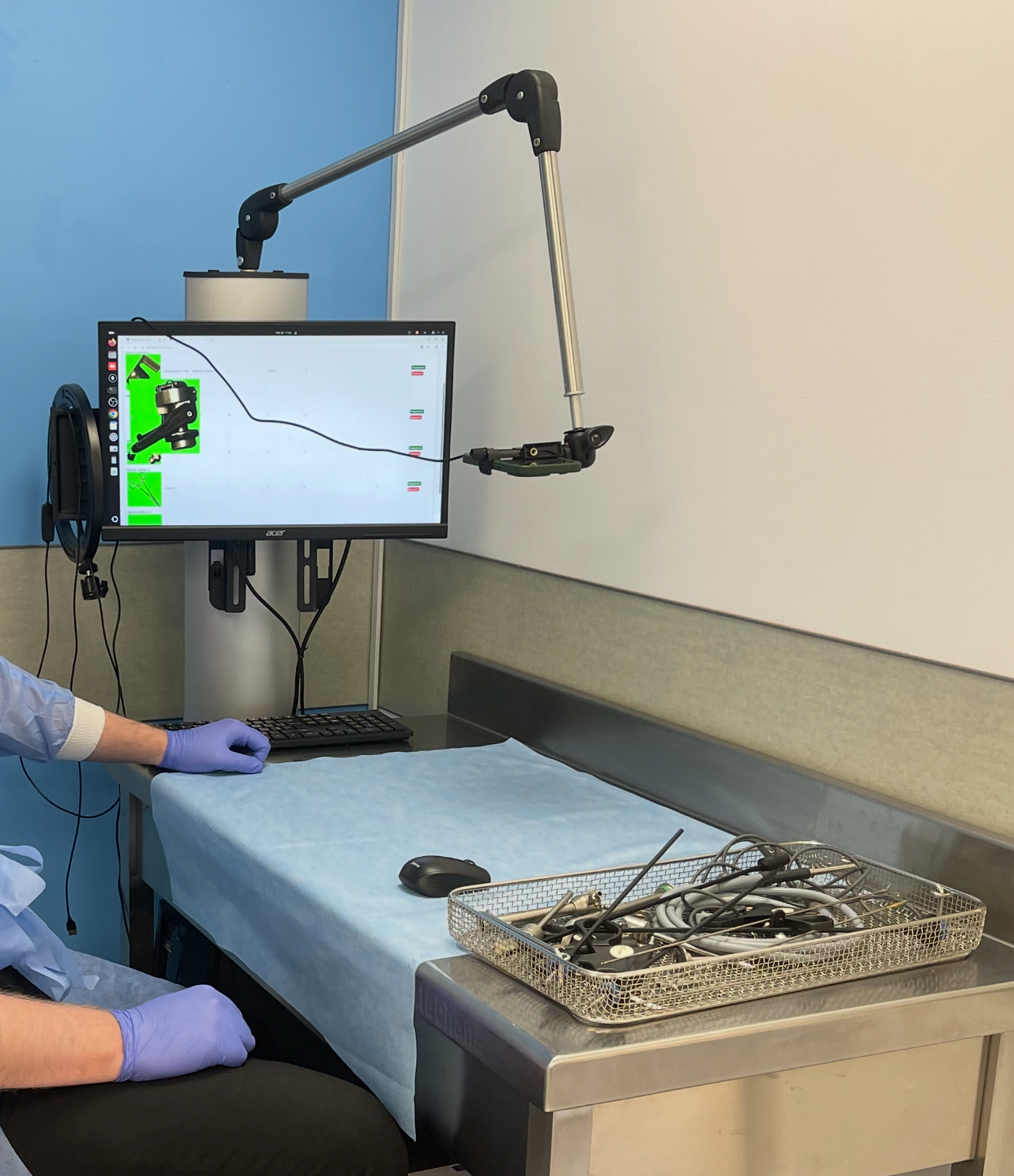
- camera-based object recognition
- field data collection
- push notifications and tasks
- quick access to reports and statuses
A mobile app makes sense where the user is not sitting at a desk: in a ward, classroom, laboratory, transport workflow or field setting. It should open the needed action quickly and avoid unnecessary steps.
Not every task should be moved into mobile form. We consider mobile apps where a camera, quick notification, field data entry, personal portal access or work near an object is needed.
For research projects, a mobile interface often becomes a way to validate a hypothesis faster: collect feedback, test a workflow and understand which functions are truly necessary.
Mobile apps are especially useful as an extension of a web system or CRM.
A mobile app should work with APIs, access roles, logging and server-side logic. Therefore we design it together with data, not separately from the main system.
Before full development, an interactive prototype is useful: core screens, user flow, test API connection and validation with real users.
Not always. For some tasks, a responsive web application or PWA is enough. A native mobile app is worth building when camera, push notifications, offline mode or deeper device integration is needed.
Yes, but it is necessary to decide where the model runs: on a server, on the device or in a hybrid mode. This affects speed, privacy, cost and technical requirements.
If the main work happens at a computer, it is better to start with a web portal. If users constantly work on the move or with a camera, mobile can be the first format.
The laboratory is ready to discuss research, prototypes and non-commercial projects with universities, laboratories, companies, hospitals and public institutions.